
Getting started
You need Node.js 20.19 or later (or 22.12 or later).
Install
bash
npm install -g https://github.com/lrivallain/deckforge/archive/refs/heads/master.tar.gzOr run it without installing:
bash
npx -y github:lrivallain/deckforge --helpPin a release
Replace heads/master with tags/v<version> to install a tagged release. See Releases.
Avoid npm install -g github:lrivallain/deckforge
With some npm versions, this installs an empty package and a broken deckforge link. Use the archive URL instead.
The Copilot assistant uses the optional @github/copilot-sdk dependency, which is about 100 MB. For a smaller install that only builds and edits decks, use npm install -g --omit=optional ….
Your first deck in three commands
bash
deckforge new my-talk --title "Shipping with confidence"   # my-talk/deck.yaml + deck.html
deckforge edit my-talk                                      # opens the editor in your browser
deckforge build my-talk --runtime inline                    # one self-contained deck.html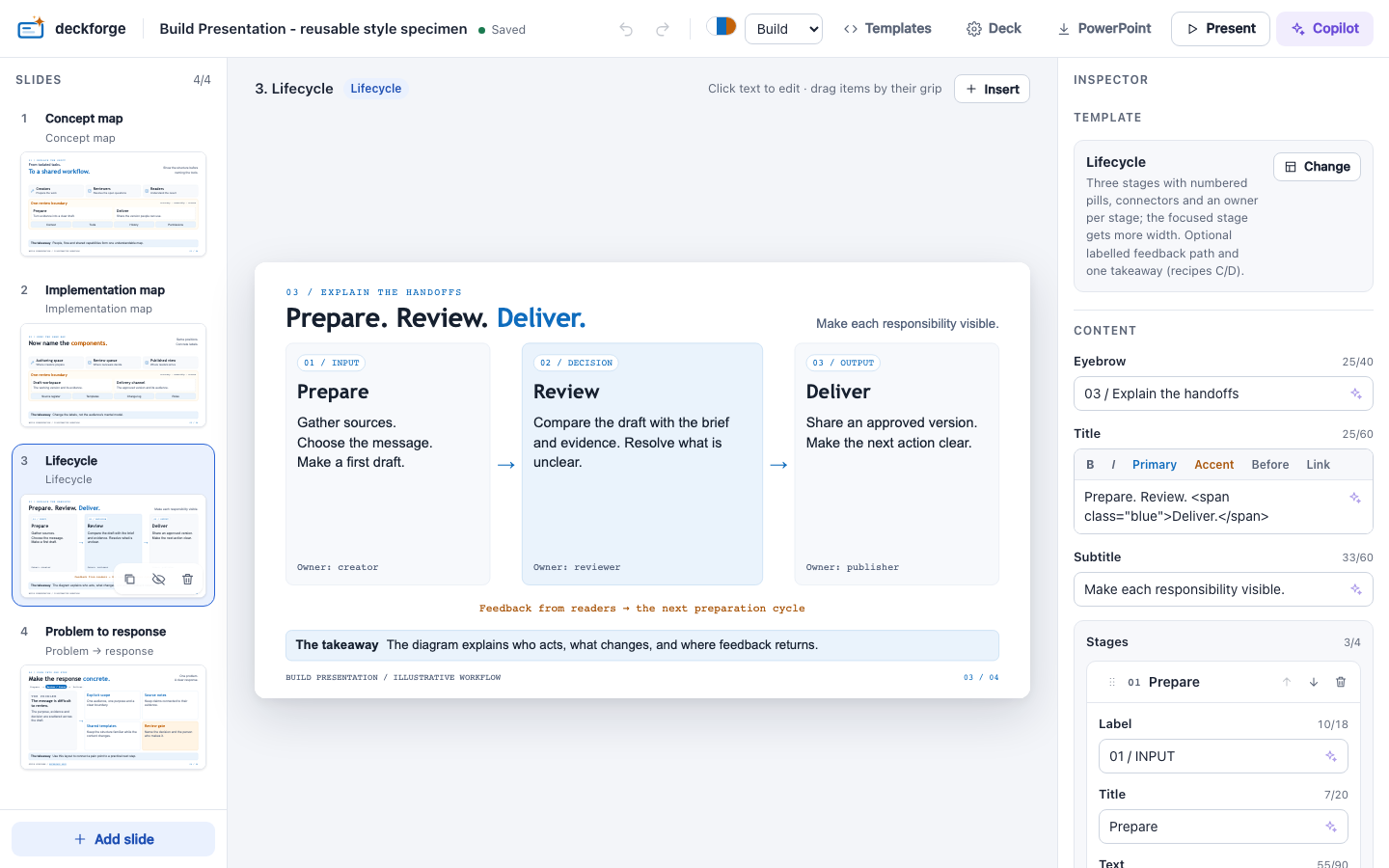
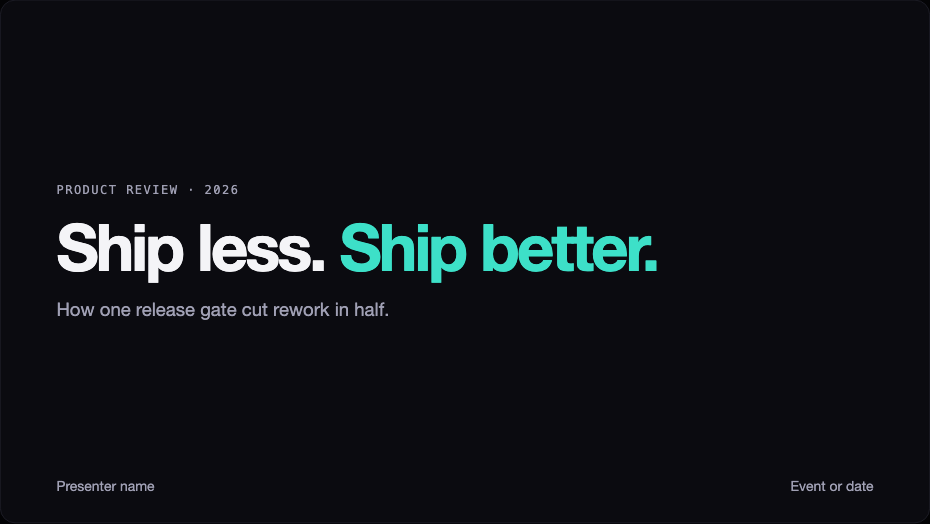
Start from an example
| Command | You get |
|---|---|
deckforge new my-talk --example | The Build specimen: diagram-led slides with the build theme |
deckforge new my-talk --example aurora | The Aurora deck: dark theme with the Essentials templates |
What's in a deck folder
text
my-talk/
├── deck.yaml        # the source: edit it, or let the editor do it
├── deck.html        # generated: do not edit by hand
├── deckforge/       # viewer runtime (local mode)
├── assets/          # images added from the editor
├── templates/       # optional deck-local templates
└── themes/          # optional deck-local themes
Next steps
- Write a deck: the
deck.yamlbasics. - Editor: edit slides visually.
- Present and share: present, print, or publish the deck.