
Present and share
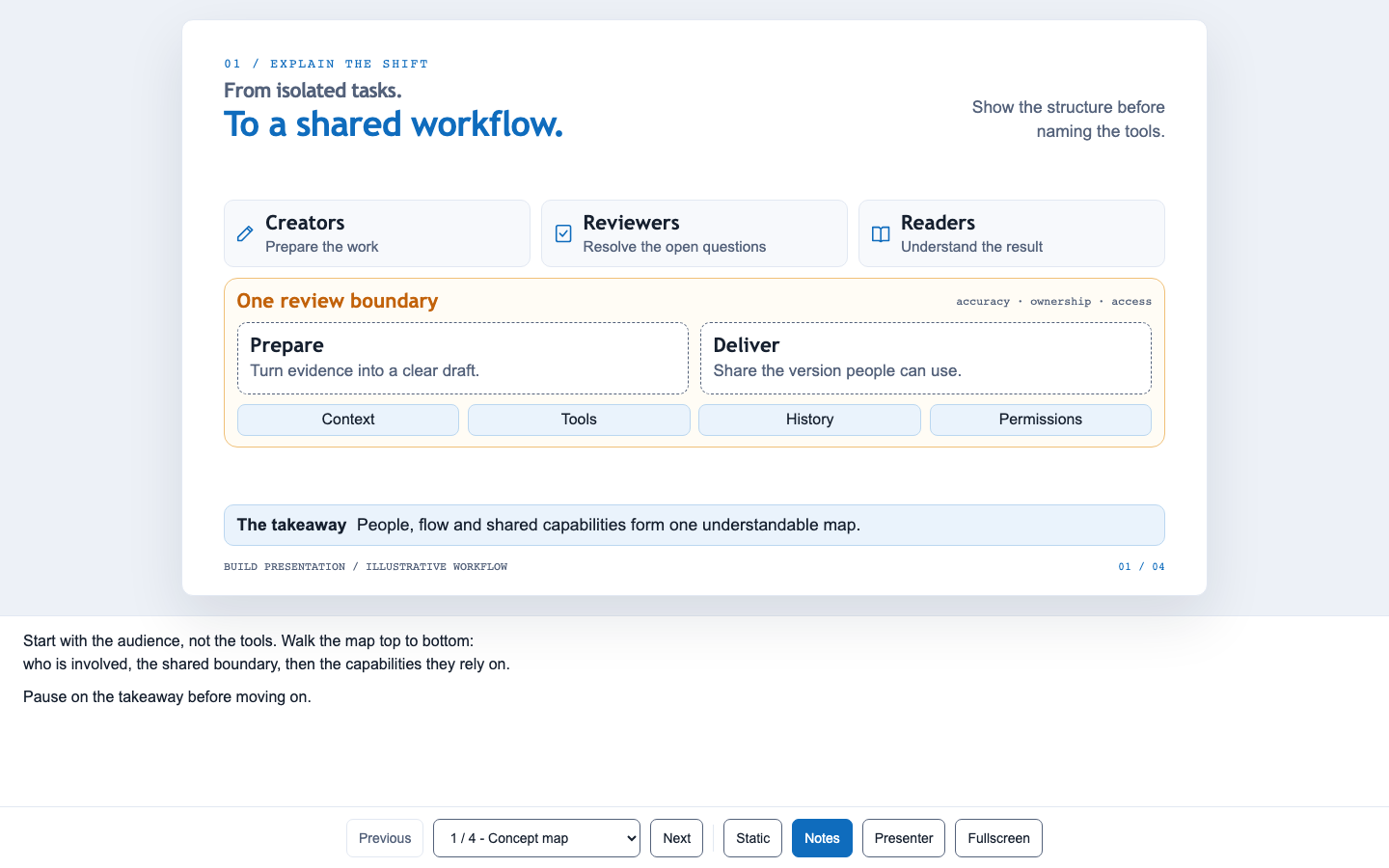
deck.html is a static page. Open it in any browser, put it on a web server, or send it as one file.
Keyboard
| Key | Action |
|---|---|
| → PageDown Space | Next slide |
| ← PageUp | Previous slide |
| Home / End | First / last slide |
| N | Speaker notes panel |
| P | Presenter window: notes, next slide, timer |
| S | Static mode (no animations) |
| F | Fullscreen |
| E | Back to the editor (only when deckforge edit serves the deck) |
- Links to a slide:
deck.html#3ordeck.html#slide-<id>. - Reduced motion: if the system asks for reduced motion, slides appear in their final state.
- No JavaScript: every slide stays readable.
Print or save as PDF
Print from the browser. You get one 13.333 × 7.5 in page per slide, without the controls. For other paper sizes or margins, each slide is scaled down to fit. Images on slides you never opened are still printed.
Export to PowerPoint
Click PowerPoint in the editor's top bar, or run:
deckforge export my-talk # writes my-talk/deck.pptxThe export measures each slide as the browser lays it out and rebuilds it as native PowerPoint objects:
| In the deck | In PowerPoint |
|---|---|
| Headlines, text, lists, links | Editable text boxes with the same fonts, sizes, colours and line spacing |
| Cards, pills, panels, borders, dividers | Rectangles, rounded rectangles, ellipses and lines |
| Images and image overlays | Pictures, cropped like on the slide |
| Icons, arrowheads, gradients | Vector (SVG) pictures |
| Speaker notes | Speaker notes |
Hidden slides are left out. The editor saves deck.pptx next to deck.yaml and downloads it. The CLI needs Playwright, see deckforge export.
Check the result
Slides are exported in their final state, without the staged reveals. PowerPoint uses the fonts installed on the computer that opens the file: when a theme font is missing, the export uses the fallback the browser showed and lists it. See the limitations.
Runtime modes
The --runtime option sets how deck.html loads the viewer's script and stylesheet:
| Mode | Output | Network |
|---|---|---|
local (default) | deck.html + deckforge/ folder (+ assets/) | none |
inline | One self-contained deck.html, images included | none |
cdn | deck.html that loads the runtime from jsDelivr (tagged releases only) | jsDelivr |
deckforge build my-talk --runtime inline --out ~/Desktop/talk.htmlShare one file
Use inline to send a deck by email or chat. It opens offline from any folder.
Preview while you write
deckforge serve my-talkThis command serves the deck read-only on 127.0.0.1. It rebuilds and reloads the page whenever deck.yaml changes.