
Templates
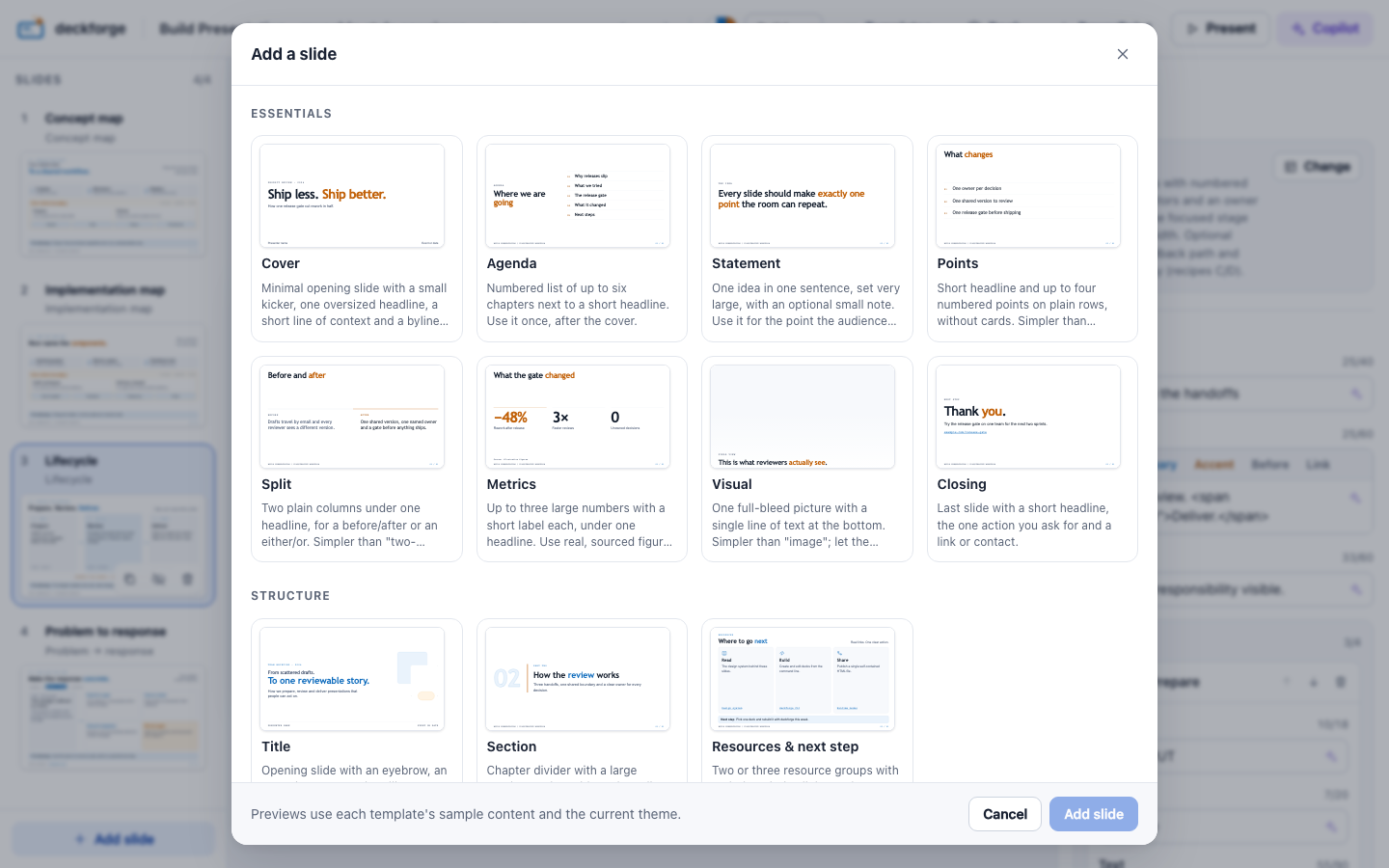
A template is a slide layout with typed slots. You fill the slots, and the template handles the layout. Each thumbnail below shows the template's sample content with the build theme.
List them, with every slot and limit, from the command line:
deckforge templates my-talk # add --json for tools and scriptsEssentials
Simple slides with one point each, large type and no diagrams. They work best with the aurora theme.
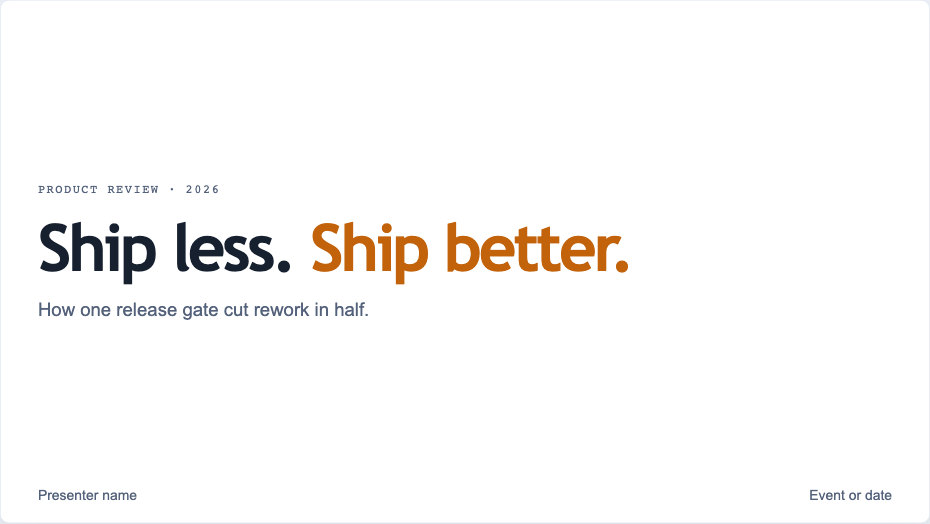
coverKicker, oversized headline, byline.
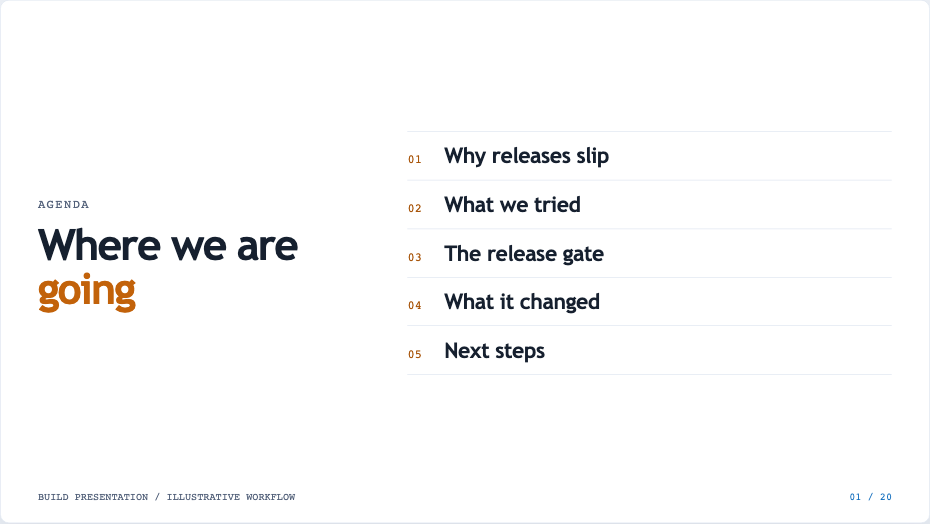
agendaUp to six numbered chapters.
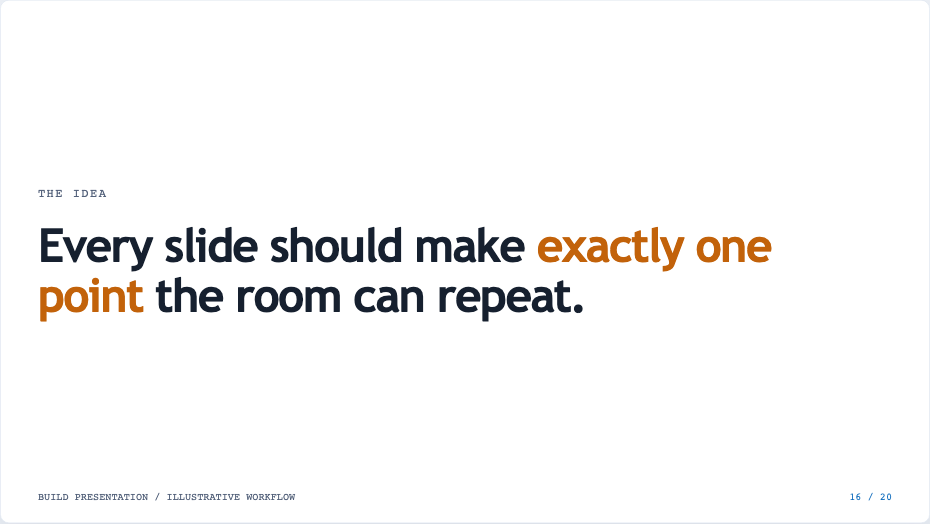
statementOne sentence, set very large.
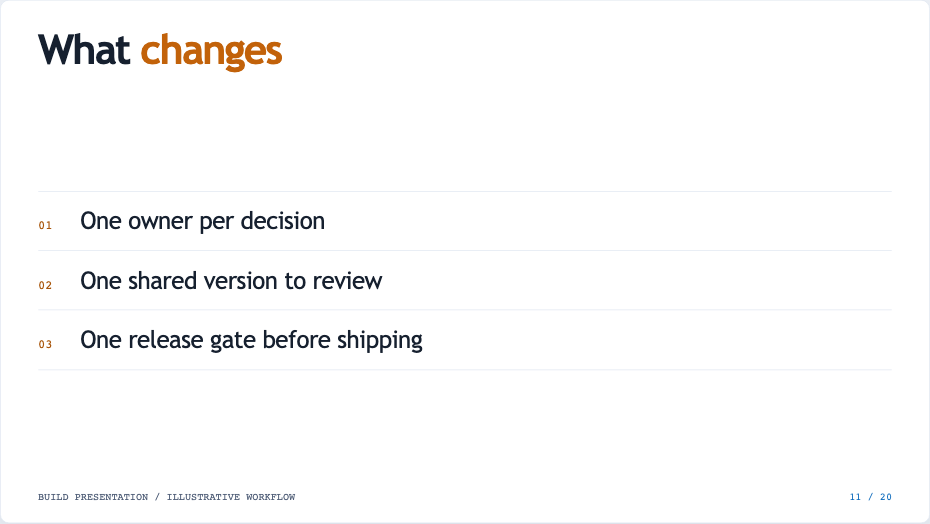
pointsUp to four numbered rows.
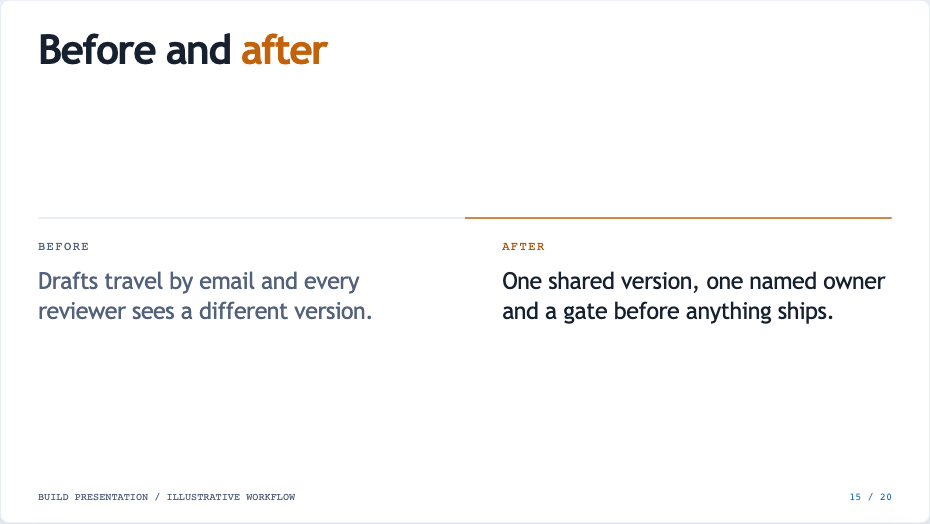
splitTwo plain columns: before/after.
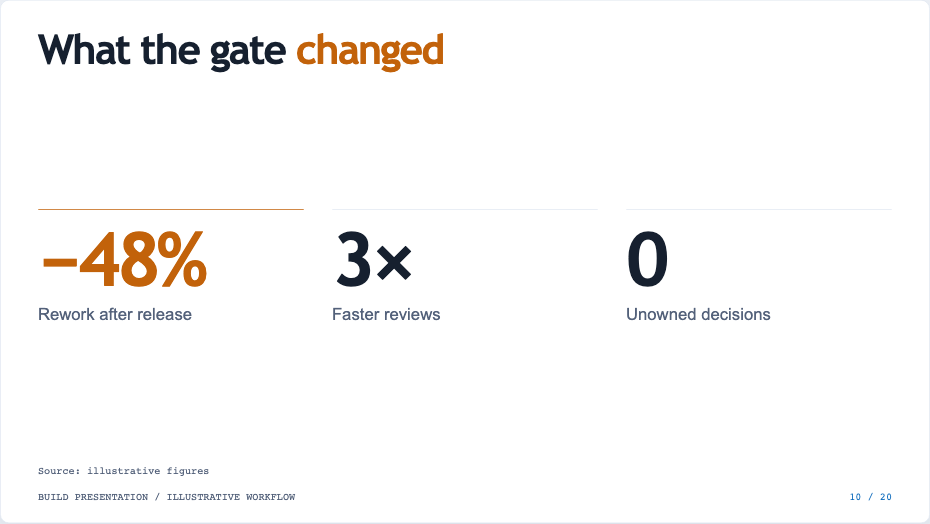
metricUp to three big numbers.

visualFull-bleed picture, one line.
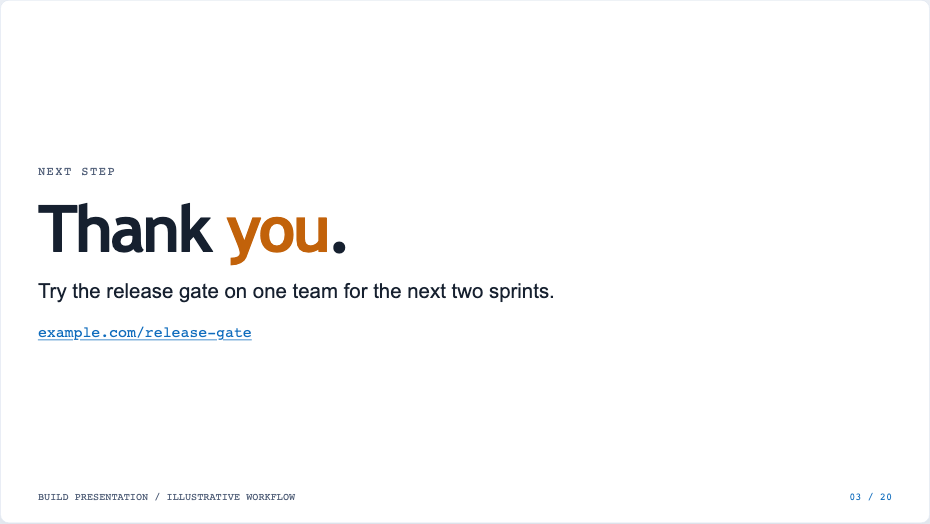
closingThanks, next step and a link.
Structure
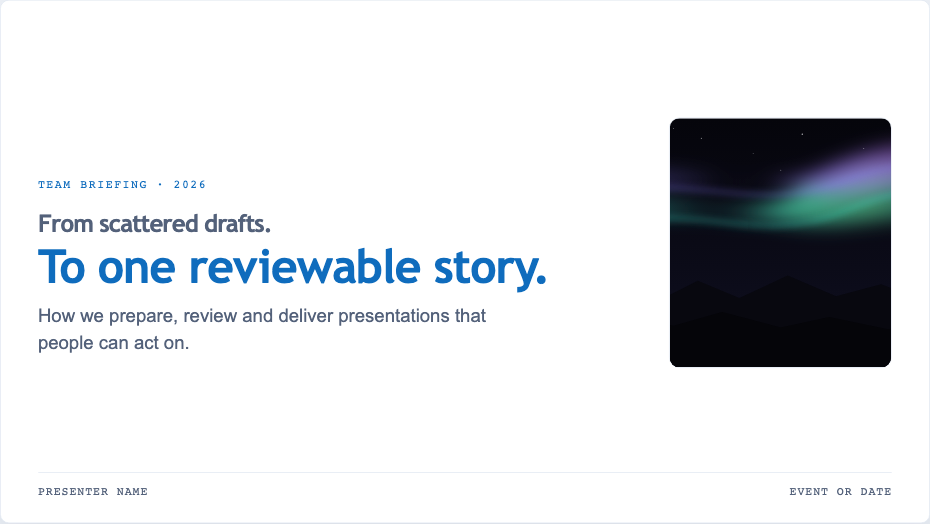
titleEyebrow, two-part headline, promise.
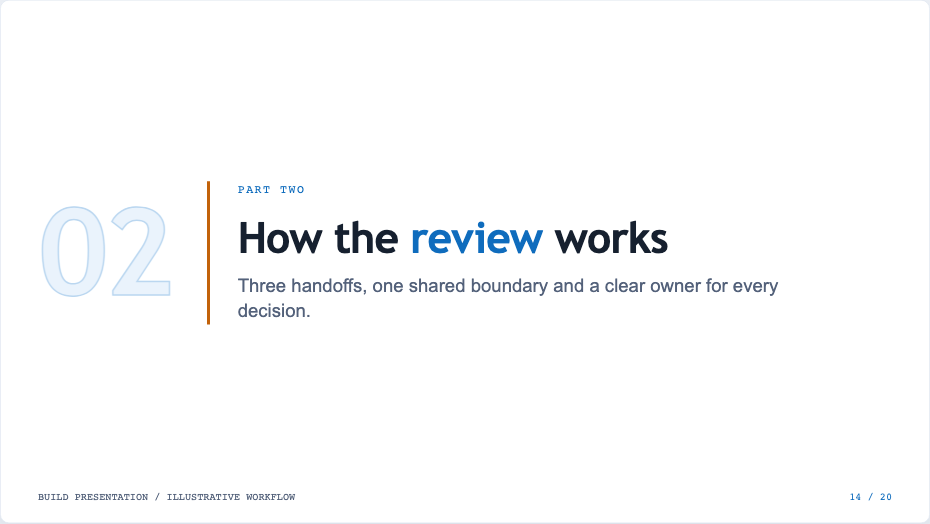
sectionChapter number and title.
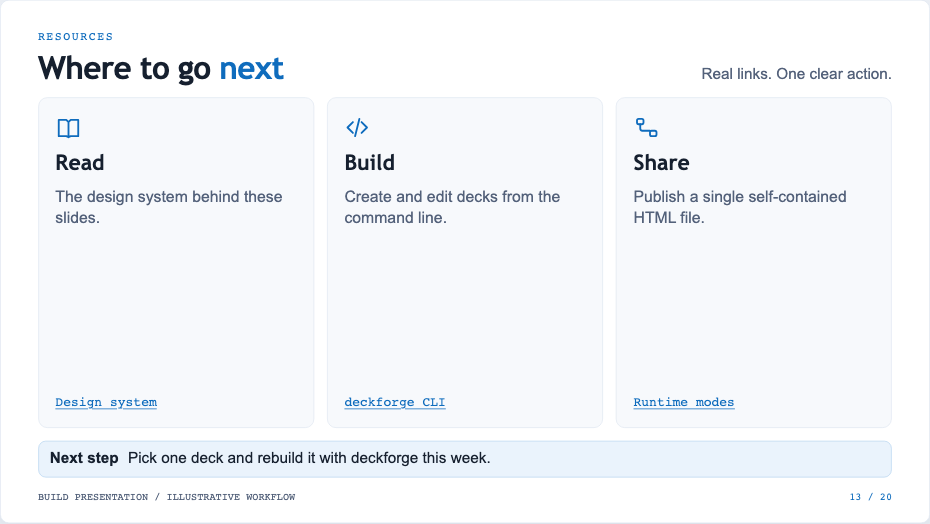
resourcesResource groups and one action.
Diagrams
Use these slides to explain a system. A concept map and an implementation map share the same layout, so you can show the idea first and then the real components.
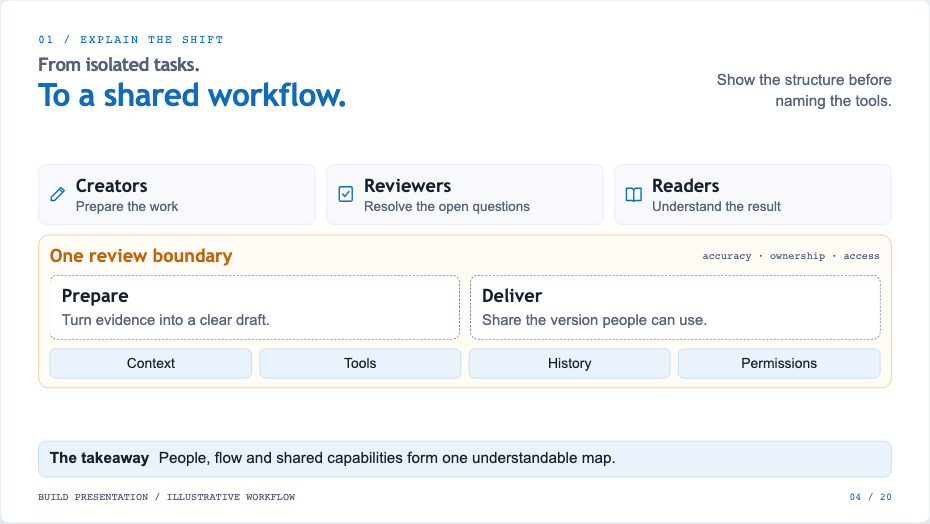
concept-mapAudiences, a shared boundary, capabilities.
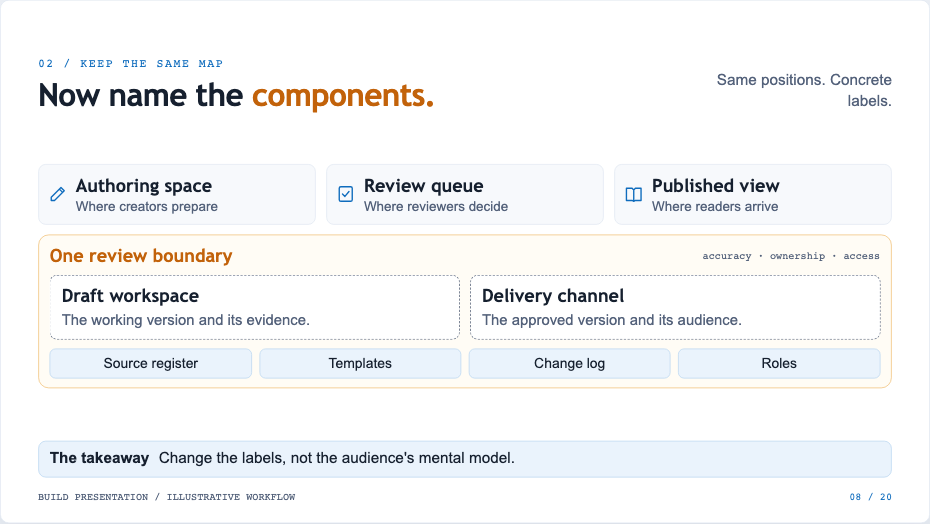
implementation-mapSame geometry, concrete components.
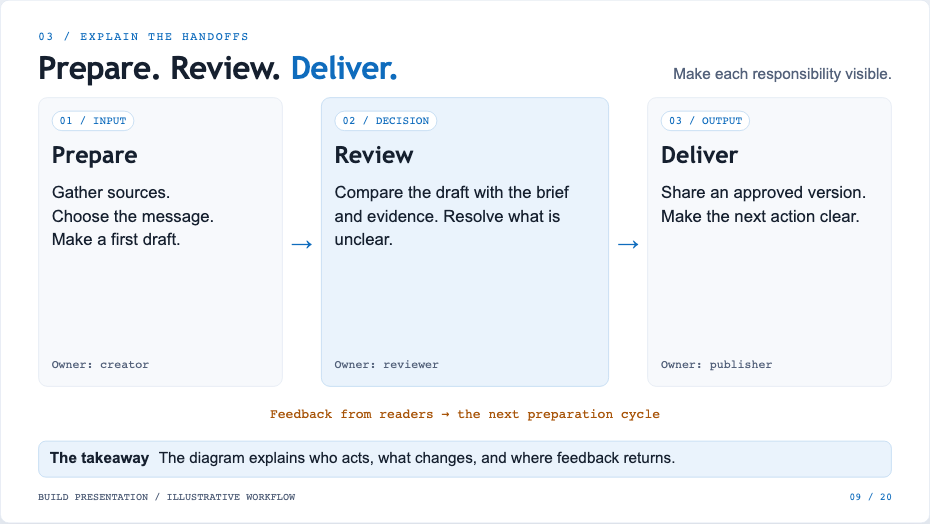
lifecycleThree stages with owners.
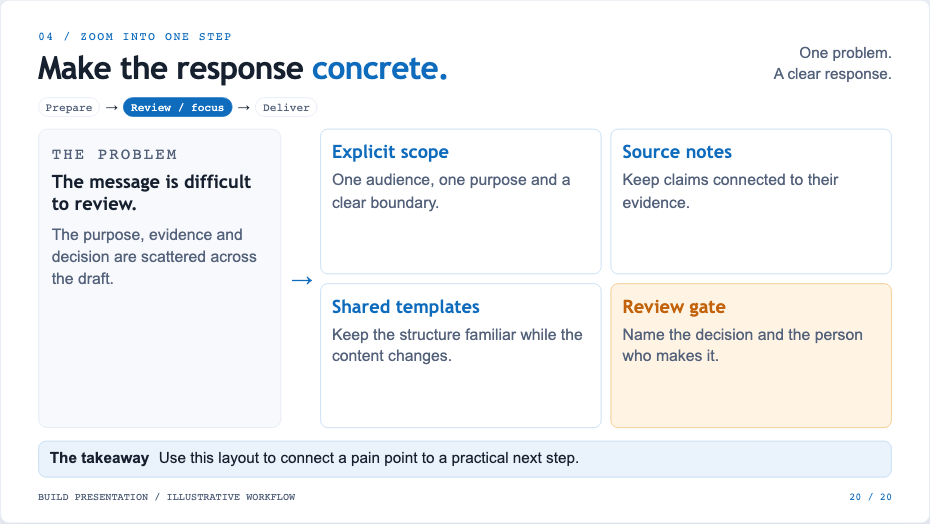
zoomOne problem, up to four responses.
Content
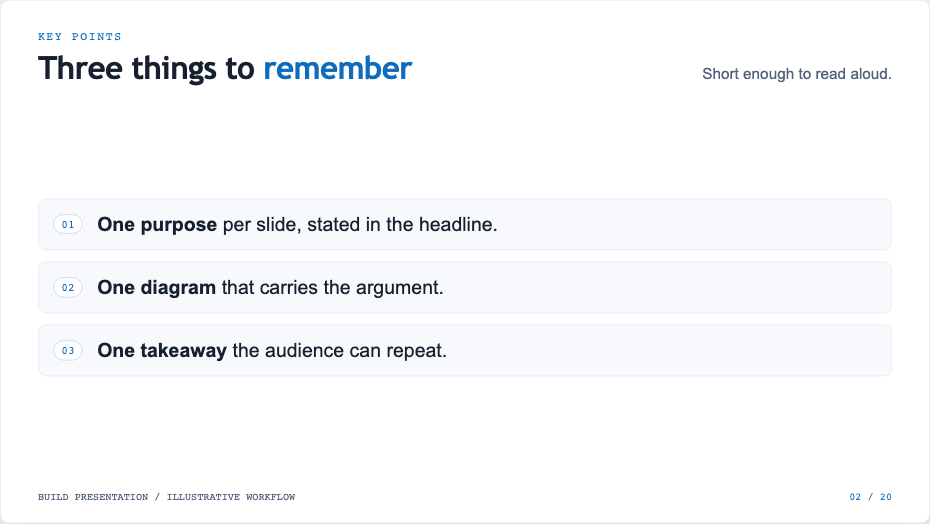
bulletsUp to five points and a takeaway.
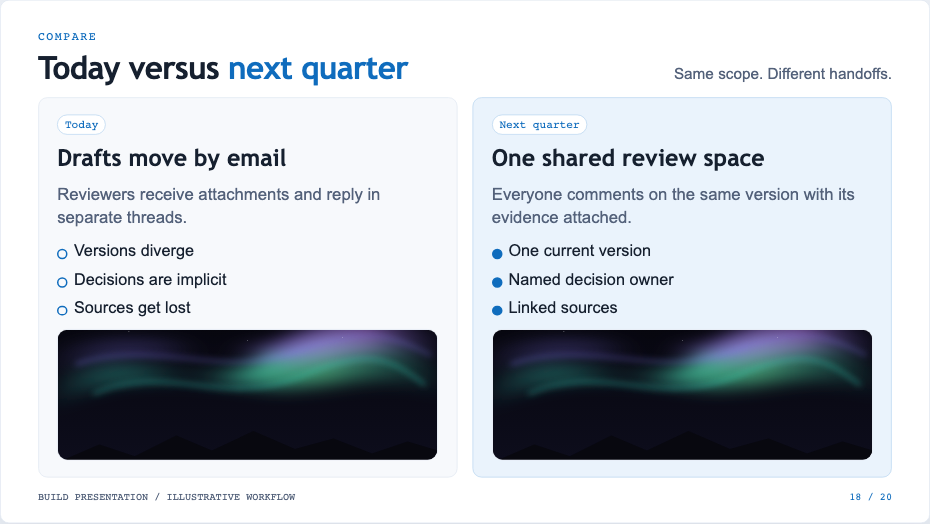
two-columnCompare two options side by side.
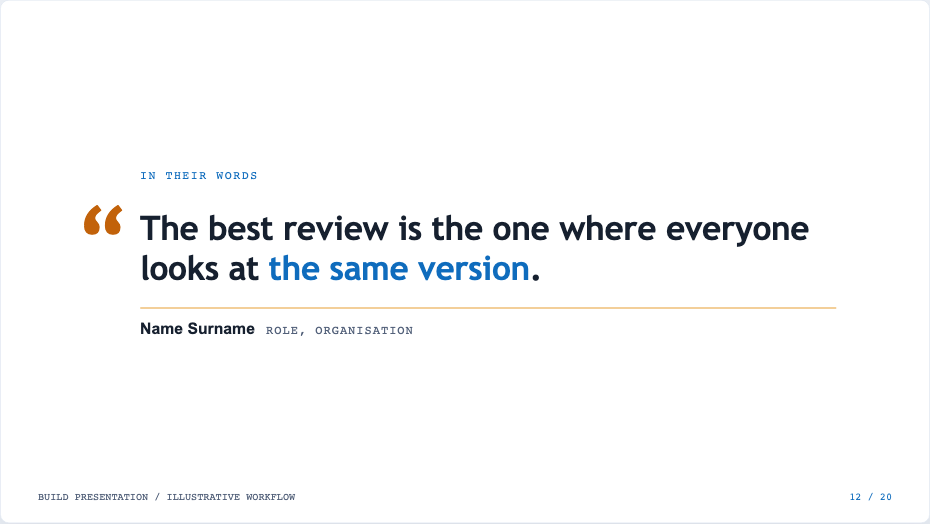
quoteOne quotation with attribution.
Media

imageOne picture with a caption or panel.
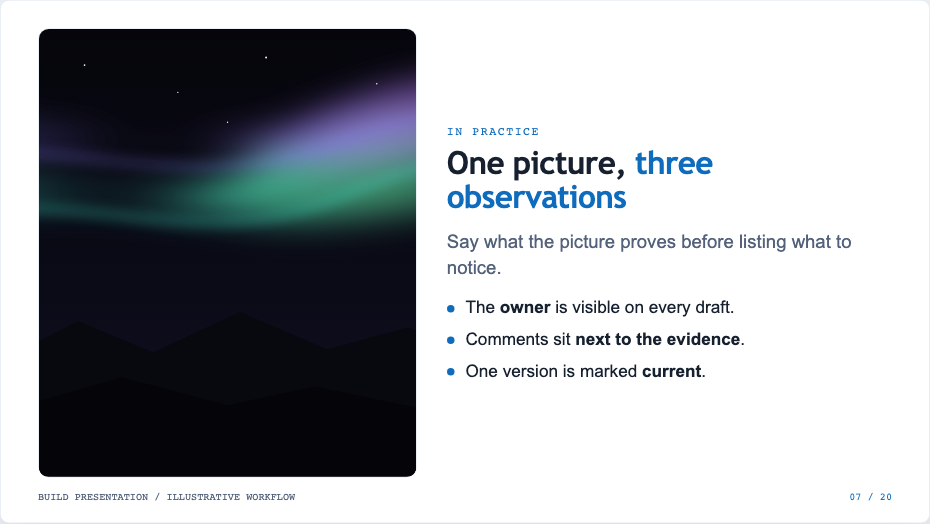
image-textPicture next to headline and points.
Pick or change a template in the editor
Add slide opens the picker with live previews in the current theme. Change in the inspector switches the template of the current slide. Slot values that the new template doesn't use are kept, and they come back if you switch again.
Make your own
Use the Templates button in the editor, or add a .html file to <deck>/templates/. You can edit the front-matter, HTML and CSS with a live preview. Validation flags unknown slots and content that overflows the 1280×720 slide.
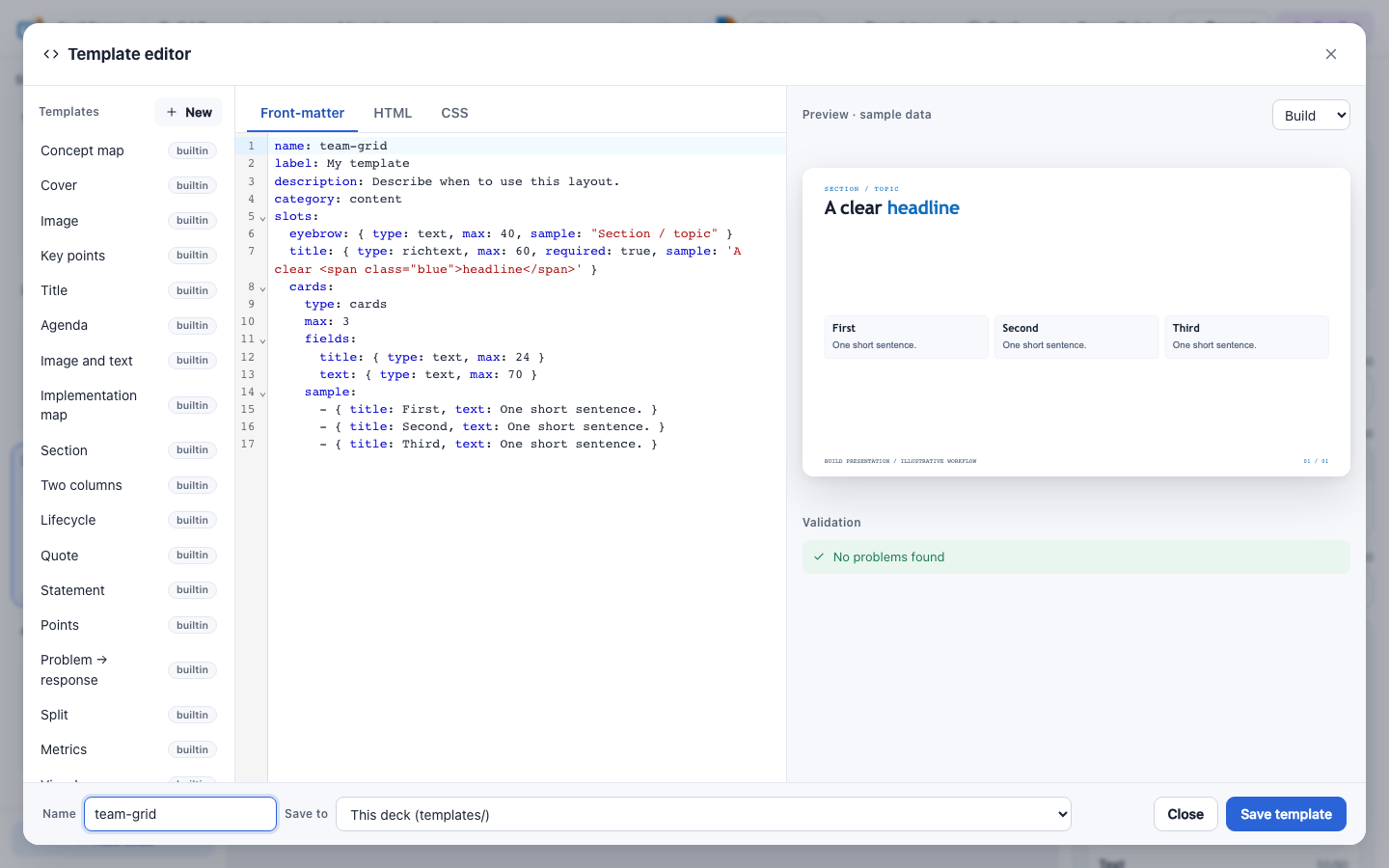
The format is described in the template file reference.