
Themes
A theme sets the colours, fonts, corner radii, spacing and motion. Every template works with every theme. Change the theme without touching the content:
yaml
meta:
  theme: aurora
You can also use the theme menu in the editor's top bar.
Built-in themes
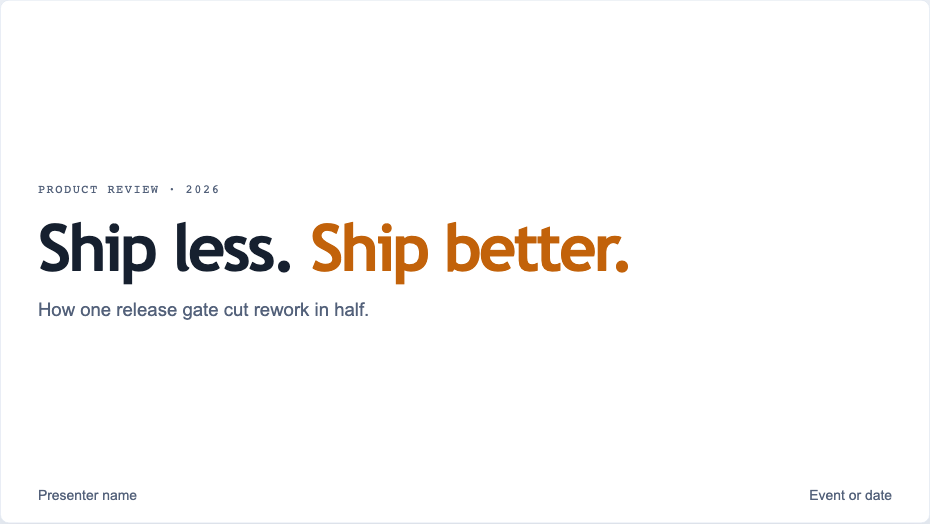
buildWhite slides, azure and amber, diagram-friendly. The default.
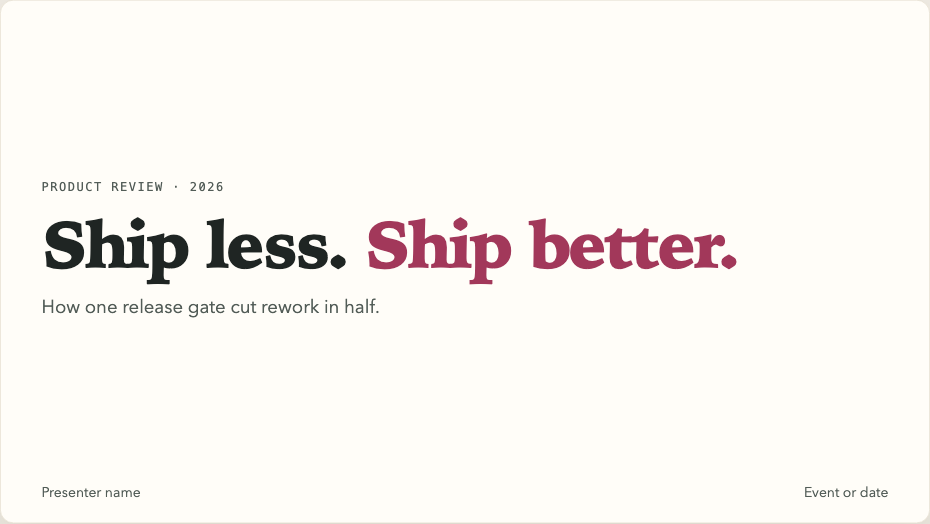
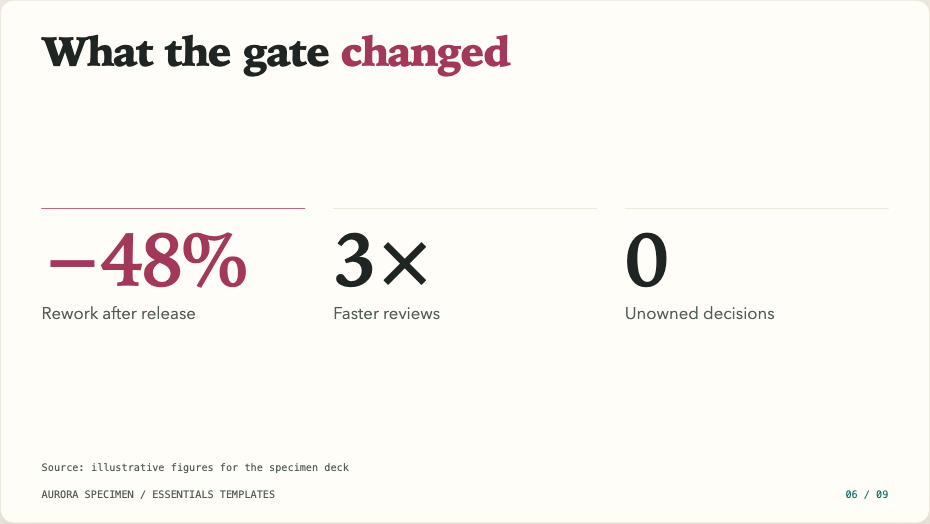
atelierWarm ivory, teal and rose, editorial serif headings.

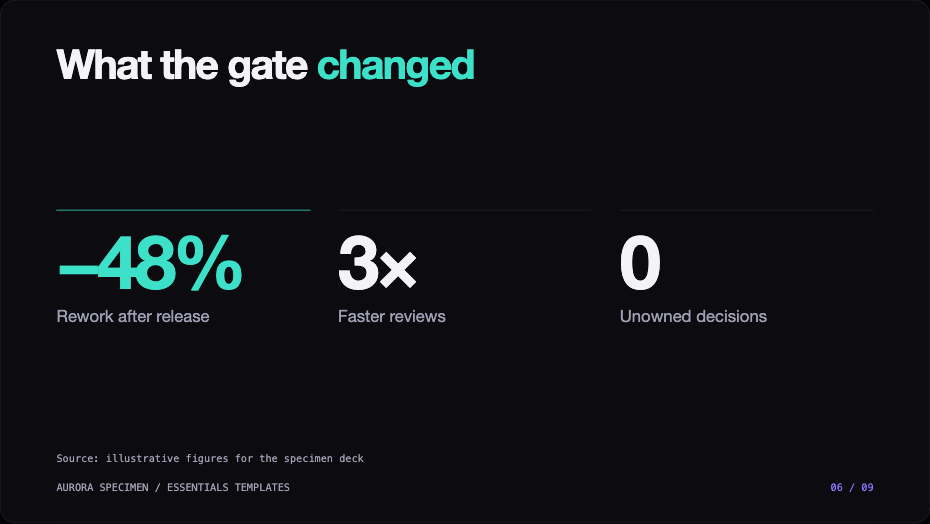
auroraDark and modern: violet and mint, oversized headings.
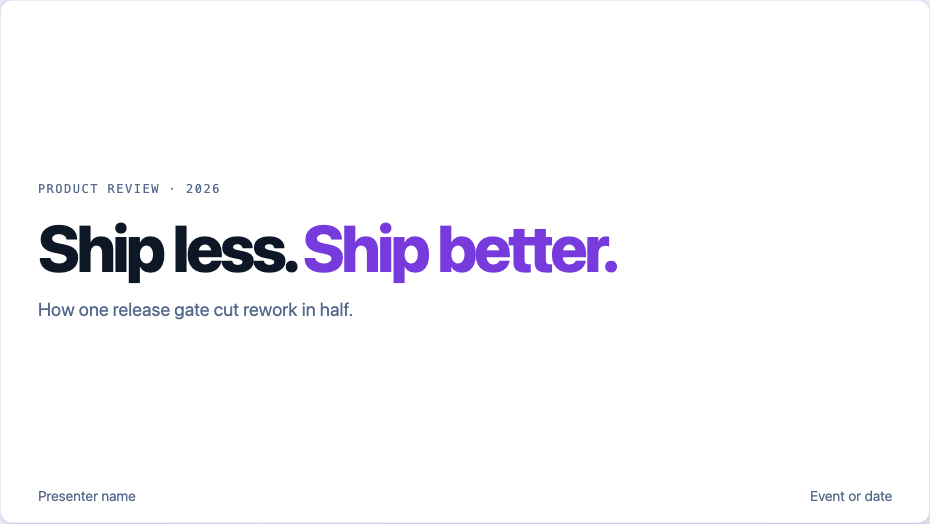
azureAzure brand: Azure blue, AI purple, Segoe UI.
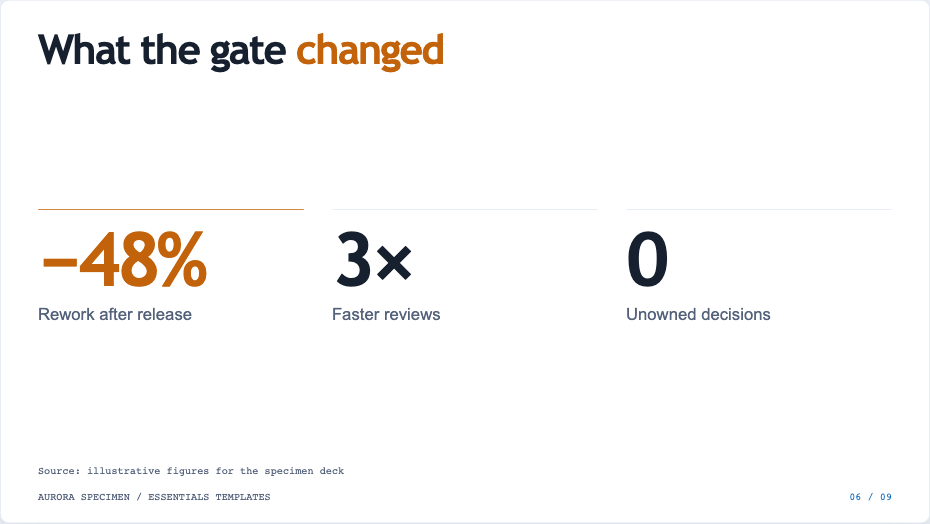
The same slide in each theme:

Fonts are never downloaded
The themes use fonts installed on your computer, with named fallbacks, so a deck makes no network requests. To get the exact look of the build theme, install Bricolage Grotesque, Instrument Sans and IBM Plex Mono.
Your own theme
Copy a built-in theme into <deck>/themes/<name>.yaml or ~/.config/deckforge/themes/<name>.yaml, then rename it and change its palette:
yaml
name: my-theme
label: My theme
palette:
  primary: "#0F6CBD"
  accent: "#C2620A"
  # …
deckforge checks every value. Anything that could break out of CSS is rejected. The theme file reference lists every token.